Service Blueprint for AI Support Agents
A service blueprint for AI support agents maps the customer journey, agent reasoning, tool execution, human handoffs, and improvement loops behind production AI support.
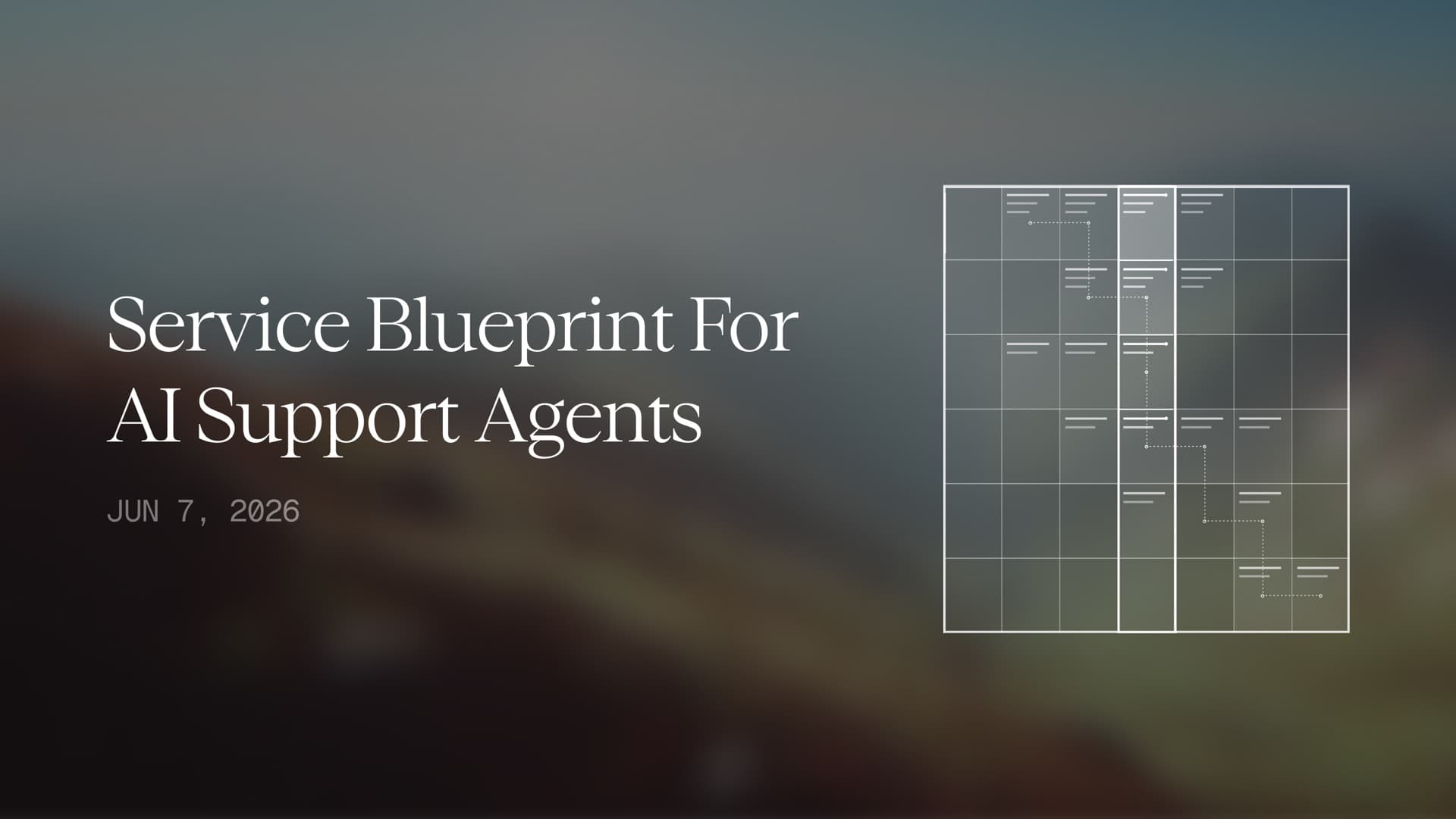
A support leader draws the first version of an AI agent workflow on a whiteboard, and the page fills up faster than anyone expects. The customer asks a question, the agent responds, a ticket changes, a policy gets checked, a manager gets pulled in, and someone has to explain afterward why the customer trusted the answer.
A simple flowchart can capture the happy path. A service blueprint for AI support agents helps teams see the full support service before they put an agent in front of customers.
Support teams use a service blueprint when they need to separate what customers experience from the backstage work that makes the experience safe, fast, and useful. The blueprint shows the visible conversation, agent reasoning, tool calls, human handoffs, policy checks, data extraction, and post-call improvement loop. Enterprise AI support rarely fails only because an agent gives one bad answer. Teams also run into trouble when leaders cannot see where a decision came from, where a workflow stopped, or where a person should have stepped in.
What is a service blueprint for AI support agents?
A service blueprint for AI support agents is a map of the support experience across visible customer actions, AI agent behavior, internal systems, human review, and operational feedback. It gives support, product, operations, and risk teams one shared view of how an AI agent turns a customer request into resolved work.
Traditional workflow diagrams usually describe what happens next. A service blueprint explains who sees each step, what work happens backstage, what systems the agent touches, where humans intervene, and what the business learns after the interaction ends. That distinction matters for enterprise teams because AI support agents do more than answer. They reason, retrieve context, use tools, update records, escalate cases, and create data that managers should use to improve the service operation.
A strong blueprint should answer five practical questions:
| Blueprint question | Why it matters |
|---|---|
| What does the customer experience? | Teams need to know where the agent builds trust, creates friction, asks for confirmation, or needs to explain a wait. |
| What does the agent decide? | Leaders need visibility into intent detection, policy reasoning, confidence, and next-best-action logic. |
| What systems does the agent use? | Technical teams need to know whether the agent uses APIs, browser workflows, knowledge sources, CRMs, or ticketing tools. |
| When do humans step in? | Support managers need clear escalation, approval, and takeover paths for sensitive or low-confidence cases. |
| What does the business learn? | Operators need structured outputs that reveal recurring issues, policy gaps, workflow failures, and customer journey friction. |
Start with the customer-visible journey
Teams should begin with the part customers can actually feel. A caller reaches out because something is broken, confusing, delayed, expensive, urgent, or emotionally loaded. The AI support agent has to greet them, identify their intent, ask for missing context, explain what it can do, take action, confirm the result, and close the interaction without making the customer feel trapped inside a machine.
That visible journey should include moments where the customer waits, interrupts, changes language, corrects the agent, asks for a person, gives ambiguous information, or introduces a second issue halfway through the conversation. Service blueprints become useful when teams stop designing for the perfect support request and start designing for the actual support conversation. Customers rarely describe their problem in the order a backend system prefers.
A customer-visible journey can follow a simple sequence: intake, identification, problem explanation, clarification, action selection, confirmation, resolution, and follow-up. Each stage should include what the customer hears or sees, what they are asked to provide, and what expectation the agent creates. A sentence like "I can take care of that now" carries a different operational promise than "I can gather the information a specialist needs to review this."
Show the backstage layer behind every calm answer
The backstage layer explains the work the agent performs while the customer hears a calm response. The agent may classify intent, retrieve account history, check policy, ask a knowledge system for approved language, open an order management page, update a CRM, generate a ticket summary, or decide that the issue requires human review. Teams should draw each of those steps because every hidden step carries risk.
A strong blueprint distinguishes between reading, deciding, and acting. Reading means the agent collects context from systems, prior conversations, or customer input. Deciding means the agent chooses the next step based on policy, confidence, urgency, and customer state. Acting means the agent changes something in the world, such as issuing a credit, updating an address, scheduling a follow-up, or escalating a case.
Buyers trust AI agents more quickly when teams can show where each responsibility lives. Giga positions its agents around complex workflow execution, and the broader Giga product architecture gives teams a useful way to think about the system as more than a conversational layer. The blueprint should make that operating model visible instead of asking stakeholders to trust a black box.
Define the line of interaction
The line of interaction separates customer actions from agent actions. The customer speaks, types, uploads, confirms, rejects, or asks for help. The AI agent listens, asks clarifying questions, explains available options, and confirms decisions before it commits to meaningful changes. This line should also show what the customer can see after the interaction, such as a confirmation email, ticket update, refund notice, appointment reminder, or transcript summary.
Support leaders should pay special attention to confirmation moments. An AI agent that says, "I can update that now," needs a different blueprint than an agent that says, "I found the information for a human agent to review." Confirmation creates the customer’s expectation that work has happened. The service blueprint should define when the agent can confirm an action, when it can only acknowledge a request, and when it must transfer the case.
Voice support raises the stakes because customers hear the agent’s answer as a live commitment. Giga’s voice experience is designed around natural conversations across language, sentiment, pitch, and tone, but service design still needs to specify when warmth should become caution. A natural agent should not sound certain when the system has not verified the action.
Define the line of visibility
The line of visibility separates what the customer hears from what the system does behind the scenes. Customers do not need to see every database lookup or browser action, but they do need the agent to explain the parts that affect their outcome. A service blueprint should identify where the agent needs transparent language, such as "I am checking your order now," "I need to verify the policy before I answer," or "I can start that request, but a specialist will approve it."
Giga’s Browser Agent fits naturally into this layer because many enterprise support teams still complete critical work inside browser-based systems. A blueprint can show when the agent uses an API, when it navigates a secure browser session, when it waits for a confirmation screen, and when it logs the result. That map helps teams explain how the agent moves from conversation to execution without making browser automation feel like a hidden trick.
Visibility also helps customers tolerate necessary pauses. A brief explanation can turn silence into confidence. Without it, customers may assume the agent is stuck, hallucinating, or wasting time.
Map internal interaction across humans, tools, and policies
Enterprise support teams need the blueprint to show the internal interactions that customers never see. A human support representative might approve a refund, review an edge case, take over a sensitive conversation, or coach the AI agent after a failed resolution. Product managers might use extracted patterns to update support policy. Operations leaders might use recurring issue clusters to change a workflow or staffing model.
Agent Canvas belongs inside this internal layer because teams need a place to author agent behavior, attach business context, test workflows, and iterate over production performance. Support intelligence should sit beside it. Without an operating surface, a service blueprint becomes a diagram that people admire once and ignore later. With one, the blueprint becomes a living product operations map.
Teams should also include policy ownership in the internal layer. A support agent cannot safely improvise when a refund rule, compliance instruction, warranty exception, or service-level promise changes. The blueprint should show which team owns the source of truth, how updates reach the agent, and how reviewers confirm that old guidance no longer appears in live conversations.
Map failure modes before launch
A useful AI support blueprint should label where failures can happen. The agent may misunderstand the customer’s intent, retrieve stale policy language, choose the wrong workflow, fail to complete a browser action, overstate what happened, or escalate without enough context. Teams should not hide those risks. They should make them visible and design controls around them.
Failure mapping also improves hallucination control. In voice support, an unsupported sentence can become a customer-facing commitment before a person has time to review it. Teams should identify the moments where the agent makes claims about refunds, delivery windows, fees, eligibility, account status, compliance obligations, or policy exceptions. Those moments deserve grounding, correction, confidence thresholds, and escalation logic.
Giga’s real-time hallucination correction research gives teams a practical way to think about this part of the blueprint. Correction belongs close to the moment where the agent forms a customer-facing answer, especially when the agent could accidentally turn a weak inference into a spoken promise.
Build the blueprint in six lanes
A practical AI support agent service blueprint can use six horizontal lanes. Each lane captures a different part of the service, and each vertical stage follows the customer’s progress from problem to resolution.
| Blueprint lane | What to include |
|---|---|
| Customer action | What the customer says, asks, confirms, rejects, uploads, or waits for. |
| Customer-visible agent response | What the agent says, explains, asks, confirms, or hands off. |
| Agent reasoning | Intent, confidence, language state, risk level, policy check, and next-best action. |
| System and tool execution | CRM lookup, ticket update, knowledge retrieval, API call, browser action, verification, and logging. |
| Human support involvement | Approval, escalation, takeover, QA review, coaching, and exception handling. |
| Analytics and improvement output | Intent data, resolution status, escalation reason, policy gaps, workflow failures, and improvement tasks. |
The vertical stages can follow the support journey: intake, authentication, intent detection, diagnosis, action selection, workflow execution, confirmation, escalation if needed, ticket update, and post-conversation learning. Teams should add evidence to each stage. Which data does the agent need? Which policy controls the decision? Which system receives the update? Who owns the fallback? What does the customer see? What gets logged? Which metric will reveal whether this step works in production?
Those questions prevent the blueprint from becoming decorative service-design work. They turn it into operational infrastructure.
Turn post-call data into support improvement
The blueprint should not end when the agent closes the interaction. Every resolved case, failed workflow, escalation, correction, repeated contact, and customer complaint gives support leaders evidence. Teams can use that evidence to improve prompts, policies, knowledge articles, workflow routing, product UX, and staffing plans.
Giga’s Insights helps connect this layer to business improvement because support teams need more than surface-level call analytics. They need to know which patterns are emerging, which policies confuse customers, which agent behaviors improve outcomes, and which workflow gaps keep creating support demand.
A service blueprint should define which data fields the system captures after each interaction. At minimum, teams should capture customer intent, issue type, product area, workflow attempted, action completed, policy source, escalation reason, customer language, confidence level, resolution status, and improvement recommendation. Those fields help leaders see whether the AI support system is making the operation better or only handling more volume.
Service blueprints make AI support easier to buy
Enterprise buyers do not only evaluate whether an AI support agent can answer a sample question. They evaluate whether their team can explain, manage, improve, and trust the agent after launch. A service blueprint gives technical buyers, support leaders, product operators, and risk reviewers one shared artifact. Everyone can see where the customer experience begins, where the agent reasons, where work happens, where people intervene, and where the business learns.
For Giga, the service blueprint category creates a bridge between architecture content and product pages. It lets the brand explain voice experience, browser execution, Agent Canvas, Insights, escalation, and correction as one coordinated support system. That is the difference between selling a conversational demo and selling an AI support operation that can run in production.
Suggested CTA
See how Giga helps enterprises design AI support agents that resolve customer issues across voice, workflows, browser actions, and human escalation paths.